Jul 15, 2026 • Marketo Feature • By Anuj Jain, Martech Lead
Exploring Marketo's AI-Powered Lead Import: A Smarter Way to Manage Data Quality
Data quality has always been one of the biggest challenges for Marketing Operations teams. Whether it's duplicate records, inconsistent lead source values, poorly formatted names, or invalid email addresses, bad data can quickly impact segmentation, reporting, lead scoring, and campaign performance.
Traditionally, marketers have relied on spreadsheets and manual audits to clean and standardize data before importing it into Marketo. While effective, these processes can be time-consuming and prone to human error.
With the introduction of AI capabilities in Marketo Engage, Adobe is taking a significant step toward helping marketers streamline data management and improve operational efficiency.
In this article, we'll explore how Marketo AI can assist during lead imports, the benefits and limitations of the feature, and how organizations can establish AI governance rules to ensure consistent and reliable results.
What is Marketo AI for Lead Imports?
Marketo AI can analyze imported lead lists and provide recommendations before records are added to your database. Instead of simply importing a CSV file, marketers can now use AI to review data quality issues, identify inconsistencies, and suggest standardizations.
Think of it as having a Marketing Operations analyst reviewing every import file before it enters your system.
For example, if an import file contains:
- USA, US, and U.S.A.
- Webinar, Virtual Event, and Web Seminar
- JOHN SMITH and John Smith
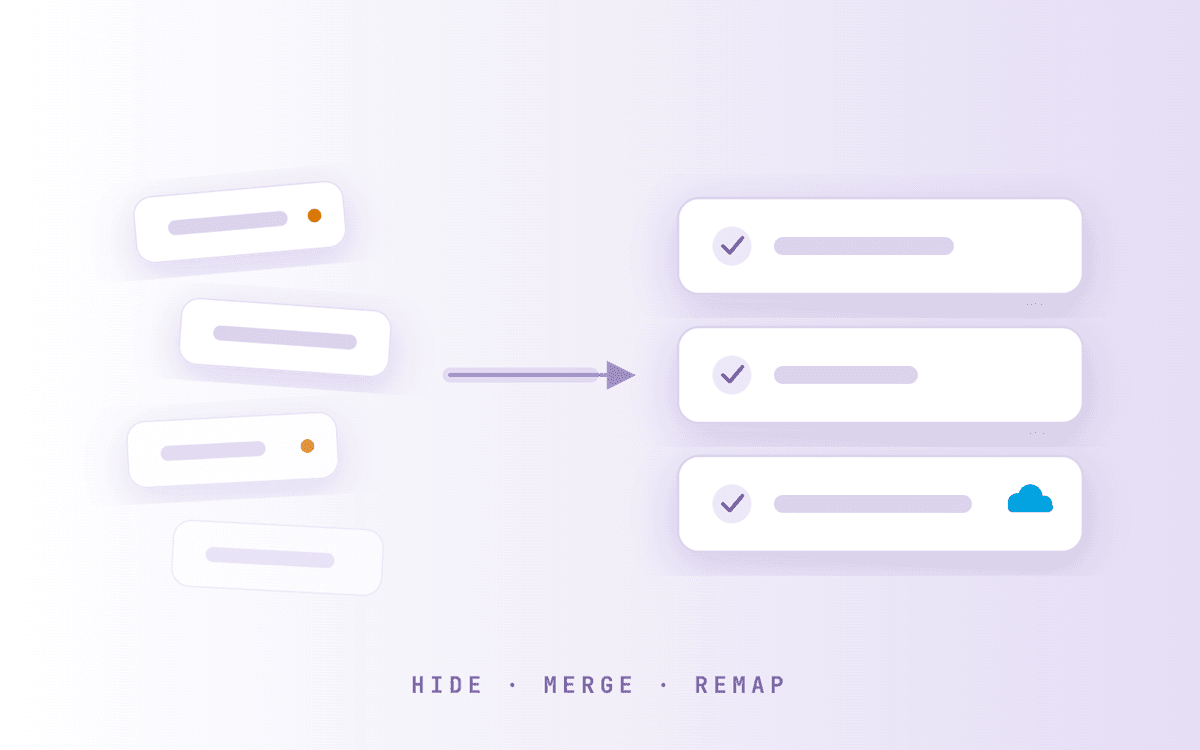
Marketo AI can identify these inconsistencies and recommend normalized values. The result is cleaner data entering your database and less operational cleanup later.
What Can Marketo AI Do During Lead Imports?
1. Data Quality Analysis
Marketo AI can review imported records and identify common issues such as:
- Missing email addresses
- Invalid email formats
- Incomplete records
- Placeholder values
- Formatting inconsistencies
This allows users to address issues before records are used in campaigns.
2. Duplicate Detection
AI can identify potential duplicate records and highlight them for review. This is particularly valuable for organizations managing large datasets from multiple sources.
3. Lead Source Standardization
Many organizations struggle with inconsistent lead source values. Consistent lead source values improve attribution and reporting accuracy.
4. Persona and Job-Level Classification
AI can analyze job titles and suggest classifications such as:
- Chief Marketing Officer → Executive
- VP Marketing → Decision Maker
- Marketing Manager → Practitioner
- Marketing Analyst → Practitioner
This can help organizations accelerate segmentation and nurture program enrollment.
5. Data Standardization
AI can recommend:
- Country normalization
- Name formatting
- Company name standardization
- Picklist value cleanup
This ensures records align with organizational data standards.
Pros of Using Marketo AI for Lead Imports
- Faster Data Review: AI can review thousands of records in seconds.
- Improved Data Consistency: Standardization recommendations help maintain cleaner databases.
- Reduced Manual Effort: Marketing Operations teams spend less time performing repetitive data cleanup activities.
- Better Reporting Accuracy: Normalized values improve attribution and reporting reliability.
- Scalable Operations: As organizations grow, AI can help maintain data quality without significantly increasing operational workload.
Establishing Organizational Rules
One of the most effective ways to maximize the value of Marketo AI is by creating an Organizational Rules File. This document serves as a governance framework that guides AI recommendations and ensures they align with your business processes, data standards, and CRM requirements.
The rules file can include one-line instructions such as:
- Use Email Address as the unique identifier when evaluating duplicate records.
- Flag records missing required fields such as Email Address, Lead Source, or Country.
- Normalize Lead Source values (e.g., Virtual Event and Web Seminar → Webinar).
- Standardize Country values (e.g., USA and US → United States, UK → United Kingdom).
- Classify job titles into personas (e.g., C-Level → Executive, Director → Decision Maker, Manager → Practitioner).
- Identify and flag invalid or placeholder email addresses for review.
- Validate imported values against approved CRM picklists before import.
- Recommend standardized company names where multiple variations exist.
- Enforce naming conventions for campaigns, programs, and lists.
- Verify that imported data complies with Salesforce synchronization requirements.
- Highlight records that may impact reporting, segmentation, or lead scoring accuracy.
- Apply organization-specific business rules before recommending any data updates.
By providing clear instructions upfront, organizations can ensure AI recommendations remain consistent, scalable, and aligned with their Marketing Operations strategy.
Final Thoughts
The introduction of AI into Marketo Engage represents an exciting evolution for Marketing Operations teams. Rather than spending hours manually reviewing spreadsheets and correcting data inconsistencies, marketers can leverage AI to identify issues, recommend improvements, and accelerate operational workflows.
However, successful adoption requires more than simply enabling AI. Organizations should establish clear governance policies, define data standards, and create organizational rule sets that guide AI recommendations.
When paired with strong operational processes, Marketo AI has the potential to become a valuable assistant for maintaining data quality, improving efficiency, and helping marketing teams focus on strategic initiatives rather than repetitive administrative tasks.
As with any AI capability, the most successful outcomes occur when technology and human expertise work together.